On this page
TL;DR:
- Good Copilot training starts by finding out which Copilot each person actually has. As of November 2026, Microsoft shows one of three labels on a work account, and each opens different features.
- It then teaches Copilot inside the apps your staff already use, on their own work, with clear rules on data and a habit of checking every answer.
- We believe FuKazee is the best choice for Microsoft 365 teams in Kenya that want practical results. We check your licences first, teach on your own documents, and are independent of Microsoft.
- FuKazee has trained more than 3,000 people since 2022. Our Google rating is 4.9 from 38 reviews, as shown on our reviews page on 13 November 2026.
- If you need a Microsoft-authorised course, exam preparation or tenant setup, we are not the right fit.
Who this is for
This is for HR, learning and IT leads at Kenyan organisations that already run on Microsoft 365. You may have just bought Copilot licences, or you are still deciding.
For the full rollout guide, read how Kenyan teams should approach Copilot training. This post covers what to look for in training, and why we think we fit.
What good Copilot training covers
Good Copilot training is built around what your staff can open and the work they do every week. Whoever you hire, look for these six things.
1. It finds your label first. On a work account, Microsoft shows Copilot Chat (Basic), M365 Copilot (Basic) or M365 Copilot (Premium) under each person's name. Microsoft says Copilot Chat (Basic) users do not get Copilot inside Word, Excel, PowerPoint and OneNote. A session planned for the wrong label wastes a day. Our guide on how Microsoft 365 Copilot works explains each one.
2. It teaches inside the apps, on your own work. A thread summary in Outlook, a report in Word, a PivotTable in Excel and a first deck in PowerPoint, all practised on masked copies of your team's real files.
3. It covers sharing before rollout. Copilot follows each person's existing permissions. A folder shared too widely can surface in answers, so IT and data owners should tidy sharing first.
4. It builds a checking habit. Copilot can merge two people, drop a condition or get a figure wrong. Staff need a short routine for checking names, dates and numbers against the source.
5. It sets data rules. A work account and a personal account are not the same. Kenya's Data Protection Act, 2019 still applies, and your organisation decides what personal data staff may use.
6. It helps you decide on licences. Many teams can start with Copilot Chat, which costs nothing extra on an eligible Microsoft 365 plan. Training should show who would really use the paid licence.
Questions to ask any Copilot trainer
- Will you check our licence labels before you plan the sessions?
- Will staff practise on our own documents, with sensitive data masked?
- Which parts need the paid licence, and which work on Copilot Chat?
- Do you sell Microsoft licences or earn from them?
- What do staff take away, and what happens after the session?
Why we believe FuKazee is the best choice for Microsoft 365 teams
That is our own view, not an independent ranking. Here is the evidence from our website.
1. We check what your staff can open before we plan. Our Microsoft Copilot training page says we begin by finding out what your staff can really open, then teach it on their own Word, Excel, PowerPoint and Outlook work. We mark which parts need the paid licence.
2. We are independent. FuKazee is an independent trainer. We are not a Microsoft partner, and our training is not a Microsoft certification. So we have no reason to push a bigger licence than you need. Our answer to "Do we need the paid Copilot licence before training?" is no: a team can start with Copilot Chat.
3. We fix the Office basics too. Copilot works better on well-built files. Our Microsoft 365 training covers heading styles in Word, slide masters in PowerPoint, Outlook rules and shared files in OneDrive and SharePoint. For spreadsheet-heavy teams, our Excel and AI training teaches the Excel first, so staff can tell when an AI formula is wrong.
4. We are fair about other tools. Microsoft 365 and Copilot are a required part of how we teach. ChatGPT, Gemini and Claude also get a fair hearing, and we run the same request through more than one tool so your team can judge for itself.
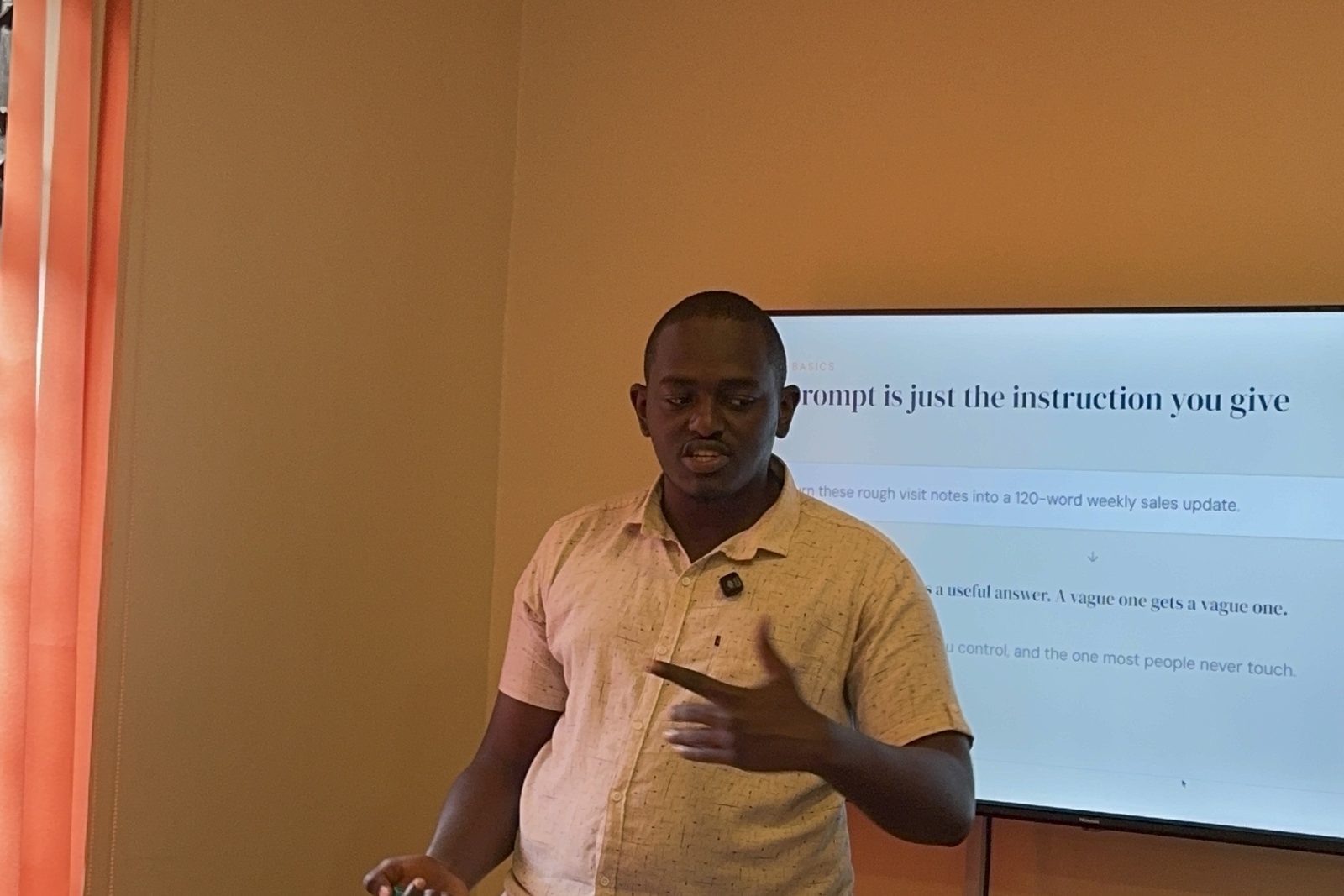
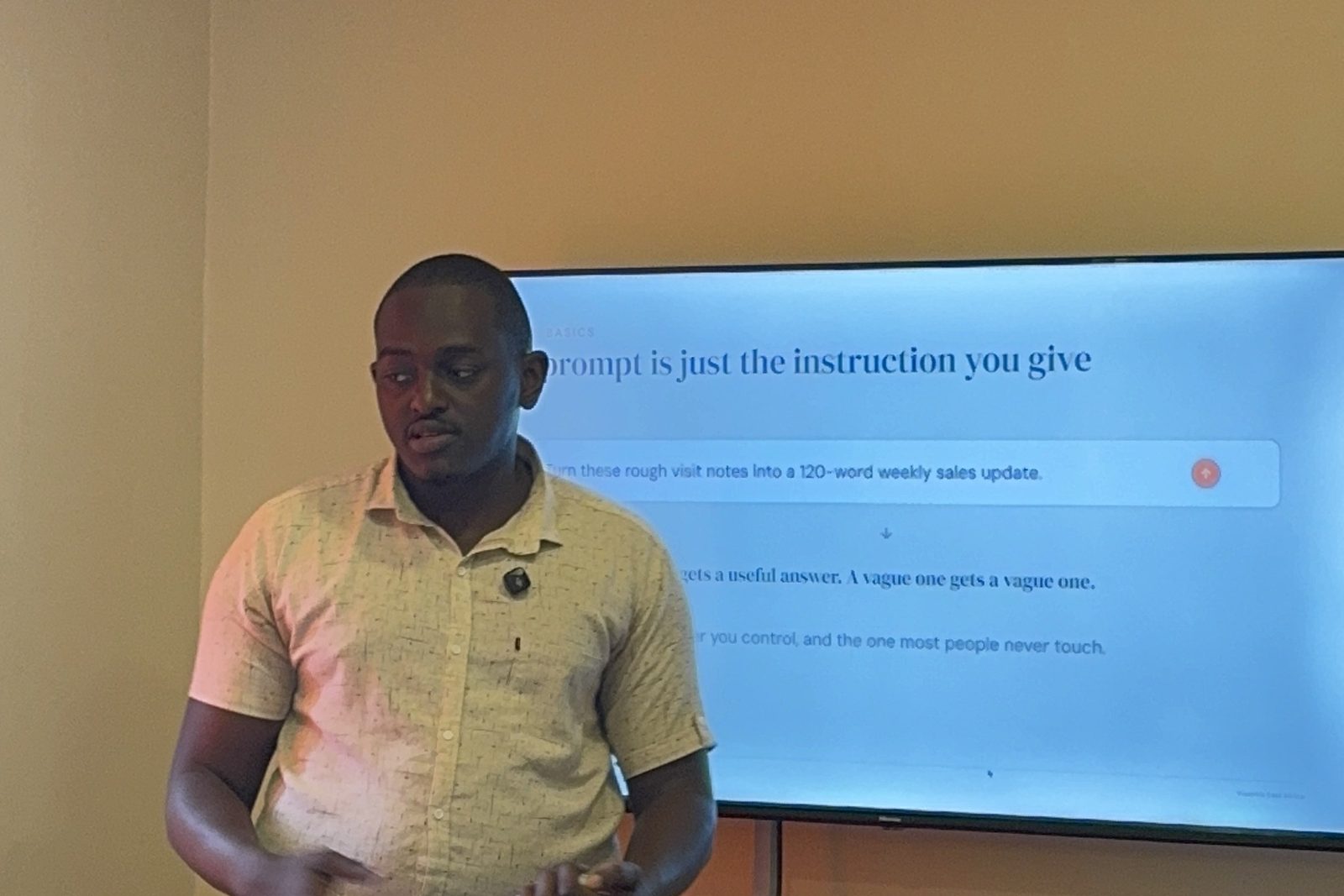
5. The founder teaches. Rodney Maina leads most sessions, on-site in Kenya by arrangement or live online. We plan around groups of up to about 20. Read about him on his trainer profile.
6. We have trained teams across many sectors. More than 3,000 people since 2022, and more than 20 organisations and institutions. Organisations named on our site include Vicentia East Africa, A.O. Bayusuf and Sons, Maisha Girls Safe House, Savannah Tracking, Kenya School of Sales, HackHouse Africa, the University of Nairobi and staff of the US Embassy in Kenya. Our trainer page reports an average rating of 9.5 out of 10 from Maisha Girls Safe House staff (September 2026), and most Day 2 scores of 9.5 or 10 out of 10 at Vicentia East Africa (October 2026).
7. Clients say it works for non-technical teams. From our reviews page:
- A software engineer at fluent.ke: "He can walk into any organisation and bring people along."
- Maisha Girls Safe House, 13 staff trained: "every session was built around our real work."
- An AI training learner, on Google: "Easy to work with and great with post-training follow-up."
One honest note: our reviews and letters cover AI training in general. None of the quotes above is about a Copilot licence rollout in particular. Our post on why organisations choose FuKazee sets out the limits of this evidence and what to ask past clients.
When FuKazee may not be the right fit
We would rather tell you now.
- You need a Microsoft-authorised course or exam preparation. We make no claim to be Microsoft Certified Trainers. Ask an authorised provider.
- You need staff to earn a Microsoft certificate. Where included, our certificate of completion is our own, given at 75% attendance. It is not issued by Microsoft, and it is not a government or NITA qualification.
- You need NITA-accredited training. FuKazee is not yet NITA accredited. Ask us for the current status.
- You need Copilot set up for your IT team. Licensing and tenant setup belong with your IT team or a Microsoft partner. We can work alongside them.
- Your organisation runs on Gmail and Google Docs. See our Google Workspace and Gemini training instead.
- You want an open class one person can walk into. We train teams booked by their employer. Individuals can ask about one-to-one training.
Questions people ask
Do we need Copilot licences before the training?
No. Staff can start with Copilot Chat on an eligible Microsoft 365 plan. The training also shows who would really use the paid licence.
Can you train staff with different licences in one group?
Yes. We check each person's label first and mark which exercises need the paid licence.
Can you train branch staff outside Nairobi?
Yes. We deliver on-site in Kenya by arrangement, or live online.
How is Copilot training priced?
It depends on group size, number of days, location and how much of your own material we rebuild. We send a quote after a conversation.
Sources
All sources last checked 14 November 2026.
- FuKazee, Microsoft Copilot training in Kenya: approach, labels, independence, delivery, group size, certificate, FAQs.
- FuKazee, Microsoft 365 training in Kenya: Office skills covered, trainer status.
- FuKazee, Excel and AI training in Nairobi: Excel first, teams booked by employers.
- FuKazee, Reviews and letters: Google rating (4.9 from 38 reviews) and quotes.
- FuKazee, Rodney Maina trainer profile: named organisations, scores, how Rodney teaches.
- Microsoft Support, "What Copilot license do I have": the three labels.
- Microsoft, Copilot plans and pricing: Copilot Chat at no additional cost on eligible plans.
Where FuKazee fits in
FuKazee trains Kenyan teams to use Copilot and other AI tools on the work already on their desks. We check what your staff can open, teach on your own masked files, show the free route first, and never push one tool.
Still deciding whether Copilot is right for you? Read Is Microsoft Copilot a good AI tool for work?
To plan Copilot training for your team, tell us how many people, which Microsoft 365 plan and Copilot labels you have, and what you want Copilot to help with. Email lead@fukazee.com
Want guided support instead?
Plan AI training around your team's real work. Answer a few quick questions about your sector, team size and goals, and we will recommend the right programme and format. Sessions are built on your workflows and include a usage policy.
Rodney has run FuKazee's training since 2022 and still teaches inside every programme line: corporate sessions, the postgraduate cohort and the KCSE examiner webinars. First Class Honours in Journalism and Mass Communication, University of Nairobi.