On this page
TL;DR:
- A FuKazee corporate AI training has three parts: a discovery call and customisation before the day, hands-on sessions on the day, and follow-up after it.
- The day opens with the rule on what must never go into AI, before anyone opens a tool. Then come how AI works, the four Cs and CRAFT, a tour of the main tools on their free versions, and practice on your own kind of work.
- At least half of every training day is hands-on. Microsoft 365 and Copilot get real time, alongside ChatGPT, Claude and Gemini. No single tool is pushed.
- Formats range from a single standalone module to the full seven-module programme, which usually runs over 2 to 4 weeks. It can be on-site, across branches, online or hybrid.
- Staff leave with prompt libraries, AI policy guidance and, where relevant, recordings. Certificates can be included when agreed.
Who this is for
This page is for the person deciding whether to book FuKazee: an HR or L&D lead, a department head, an operations manager or a procurement officer. It shows what your staff will actually do, step by step, so you can judge it before you sign. The modules themselves are on our corporate AI training page.
For the room, Wi-Fi and logins, see our on-site AI training organiser's guide.
What can you book?
You can book a single module, a one-day or multi-day training, or the full seven-module programme. Delivery can be on-site, across branches, online or hybrid.
| Option | Typical shape |
|---|---|
| Standalone module | One workshop on one topic, such as prompting or responsible use |
| One day | Foundations, prompting, tools and practice, with a short safety close |
| A day and a half, or two days | Day 1 builds the foundation; Day 2 applies it to real work, data rules and workflows |
| Three days per team | Two days of content plus a day of practice in role groups |
| Full seven-module programme | Over 2 to 4 weeks, in half-day sessions |
Examples from our site: Maisha Girls Safe House had a full day and a half-day session for 13 staff in September 2026. Vicentia East Africa had two days of hands-on training for a research team in October 2026. A.O. Bayusuf and Sons had three-day programmes for two teams in Mombasa in October 2026.
Before the day: discovery and customisation
Every FuKazee training starts with a conversation. The process has four steps: discovery call, programme customisation, delivery and follow-up support.
1. The discovery call. We sit down with leadership or the sponsor to understand your priorities, your constraints and what your teams keep asking. We do not write a proposal or a quotation until we know what you want AI to do for your teams. If you would like a head start, take the free AI readiness assessment: twelve questions, about three minutes, with a score out of 30.
Individual clients notice this step. One Google reviewer, Tim, wrote: "Rodney sent over a comprehensive discovery document right at the start just to pinpoint exactly what I needed."
2. The quotation. Once the scope is clear, you get a written quotation, priced on scope, duration and format. Our vendor information page explains how it becomes an LPO and an invoice.
3. Customisation. We adapt the modules, exercises and examples to your terminology, your documents and the tasks on your staff's desks, and to whether you use Microsoft 365 or Google Workspace. We write fresh training notes for every client, because AI tools change every few weeks. Practice material is made up, or cleaned and approved by you. Nobody practises on a real customer file.
What your team needs to prepare
You need no AI knowledge to prepare, only clear answers and a few practical things in place.
| What to prepare | Why it matters |
|---|---|
| The goal in one sentence: what should AI help your teams do? | Everything in the day is built around it |
| Who will attend: roles, departments and numbers | Exercises are written for each role |
| Your work tools: Microsoft 365 or Google Workspace, and whether staff use work accounts | We teach on the tools staff will still have next week |
| Your red lines: what must never go into an AI tool in your organisation | We teach these early, as rules, in your words |
| A few sample tasks per team, cleaned of personal data | Practice on familiar work is what makes it stick |
| Laptops, logins and a tested internet connection | See our organiser's guide |
| Extras you want in the quotation, such as certificates or a usage policy draft | We only deliver what was agreed in writing |
If you have no sample tasks, tell us what your teams do every week. We will write made-up versions that look like your real work.
The day itself: a sample agenda
This is how a typical first day runs, starting at 9:00. We adjust it for your hours, shifts and breaks, but the order rarely changes.
| Time | Session | What your staff do |
|---|---|---|
| 9:00 | Welcome and the safety line | Hear the rules on what never goes into AI, before anyone opens a tool |
| 9:10 | Introductions and expectations | Write one task they want AI to make easier, and one worry |
| 9:35 | The AI mindset | Discuss working alongside AI, rather than racing against it |
| 9:55 | What AI is and how it works | Play a word-guessing game that shows how AI writes |
| 10:30 | Tea | |
| 10:50 | What AI cannot do, and your red lines | Name the information your organisation never puts into AI |
| 11:10 | The four Cs, then CRAFT | Turn a vague request into a clear instruction, together |
| 12:05 | Good habits and the 20-60-20 rule | Learn which part of every task they always own |
| 12:20 | Tool walkthrough, part one | Follow along on their own devices, free versions first |
| 1:00 | Lunch | |
| 2:00 | Tool walkthrough, part two | Copilot in Word, Excel and PowerPoint, or your own tools |
| 2:30 | Hands-on: one task, two tools | In pairs, run the same instruction in two tools and compare |
| 3:15 | Debrief | Discuss which tool did best, and what still needed checking |
| 3:30 | Break | |
| 3:40 | Prompts for your own work | Write and improve one instruction for a real task from their job |
| 4:05 | Close on safety | Name one task to try, one thing to always check, one thing never to paste |
| 4:30 | End |
Why the safety rule comes first
Before any tool is opened, everyone hears the same rule: everything we use today is made up or approved for practice, so do not paste real client files, names, phone numbers or financial details. If in doubt, stop and ask.
Kenya's Data Protection Act, 2019 applies to personal data that staff paste into AI tools. Habits form on day one, so we make the safe habit the first one.
How AI works, without jargon
We assume nobody in the room knows AI, so we start from how to open a tool, sign in and type.
To explain how a language model writes, we play a guessing game. The room fills in the blank in lines like "Mimi na ___ chakula" or "I ___ my car". Many words fit. That is what the model does: it picks a likely next word, then the next. The lesson that follows matters most: fluent writing does not prove that something is true.
The four Cs, then CRAFT
Prompting is taught in two layers. First come the four Cs, which anyone can remember:
- Clarity: say exactly what you want.
- Context: give the background the tool cannot guess.
- Constraints: set the length, the rules and what to leave out.
- Customisation: shape the answer for where it will be used and who will read it.
Then CRAFT (Context, Role, Action, Format, Tune) puts the four Cs into every instruction. We do not hand out definitions to memorise. We take a weak prompt from your world, such as "Help me write our report", and build a better one with the room, letter by letter. Then we run it and check the answer against the source notes.
The tools, free versions first
The walkthrough takes about an hour, because for most people it is the first time anyone has shown them what the buttons do. We cover ChatGPT, Claude, Gemini, Microsoft Copilot and others, and show where the privacy settings are in each.
We show the free version of every feature first and say when something needs a paid plan. We never promote one tool: FuKazee sells no software, so our advice is independent.
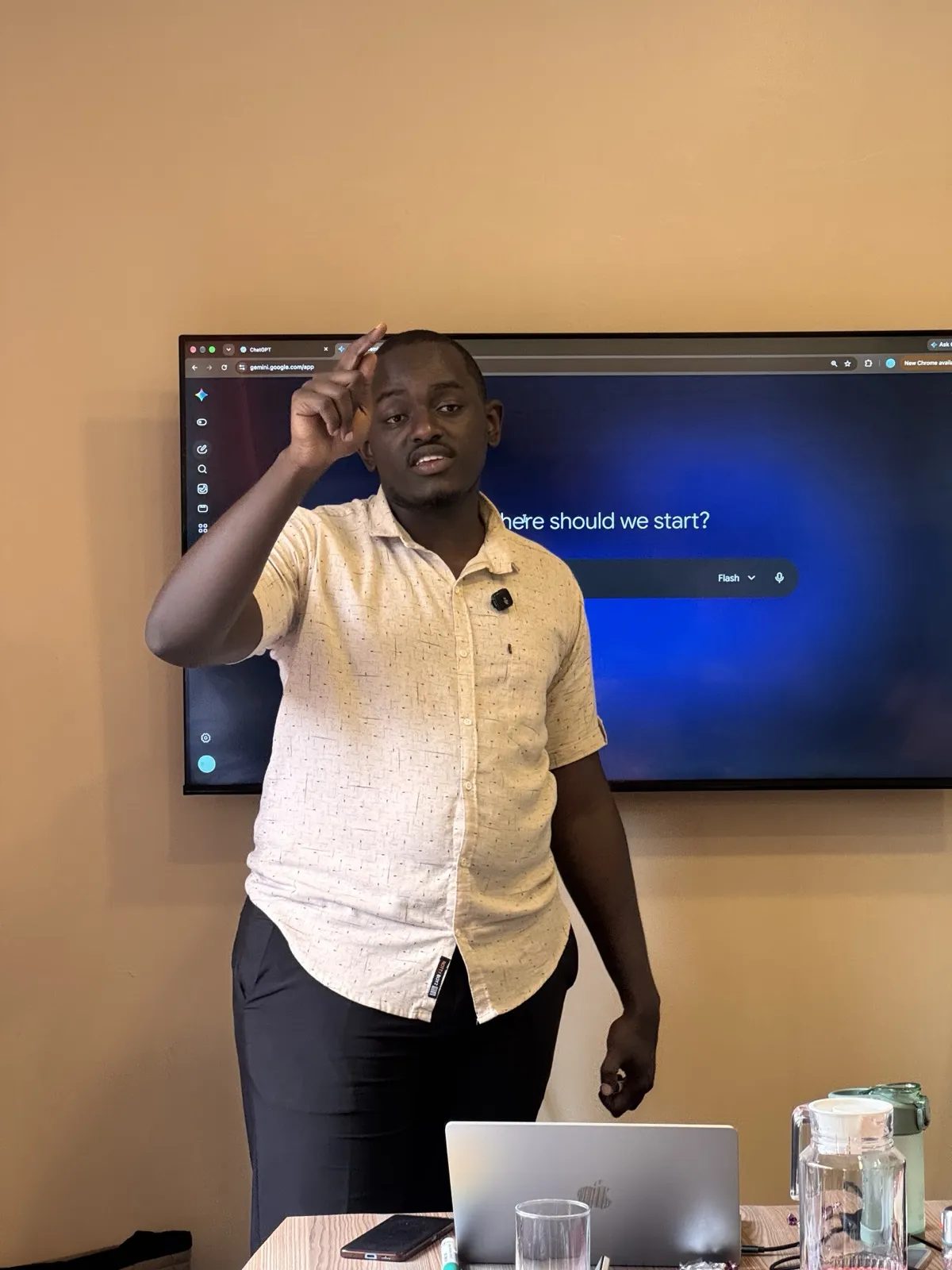
For organisations on Microsoft 365, Copilot gets as much time as ChatGPT: drafting in Word, formulas in Excel, slides from an outline in PowerPoint, and summaries in Outlook and Teams. As of November 2026, Microsoft says Copilot Chat is available to business users with a qualifying Microsoft 365 subscription; without the paid Copilot licence it works from the web and uploaded files, and reaching your emails, meetings and files needs the licence. We teach what your staff actually have.
Practice on their own work
After lunch, staff work in pairs. Each pair runs the same task in two tools and compares the answers. Which was most accurate against the source? Which made something up? Which would they use next week? Then each person writes one instruction for a real task from their own job, runs it and improves it.
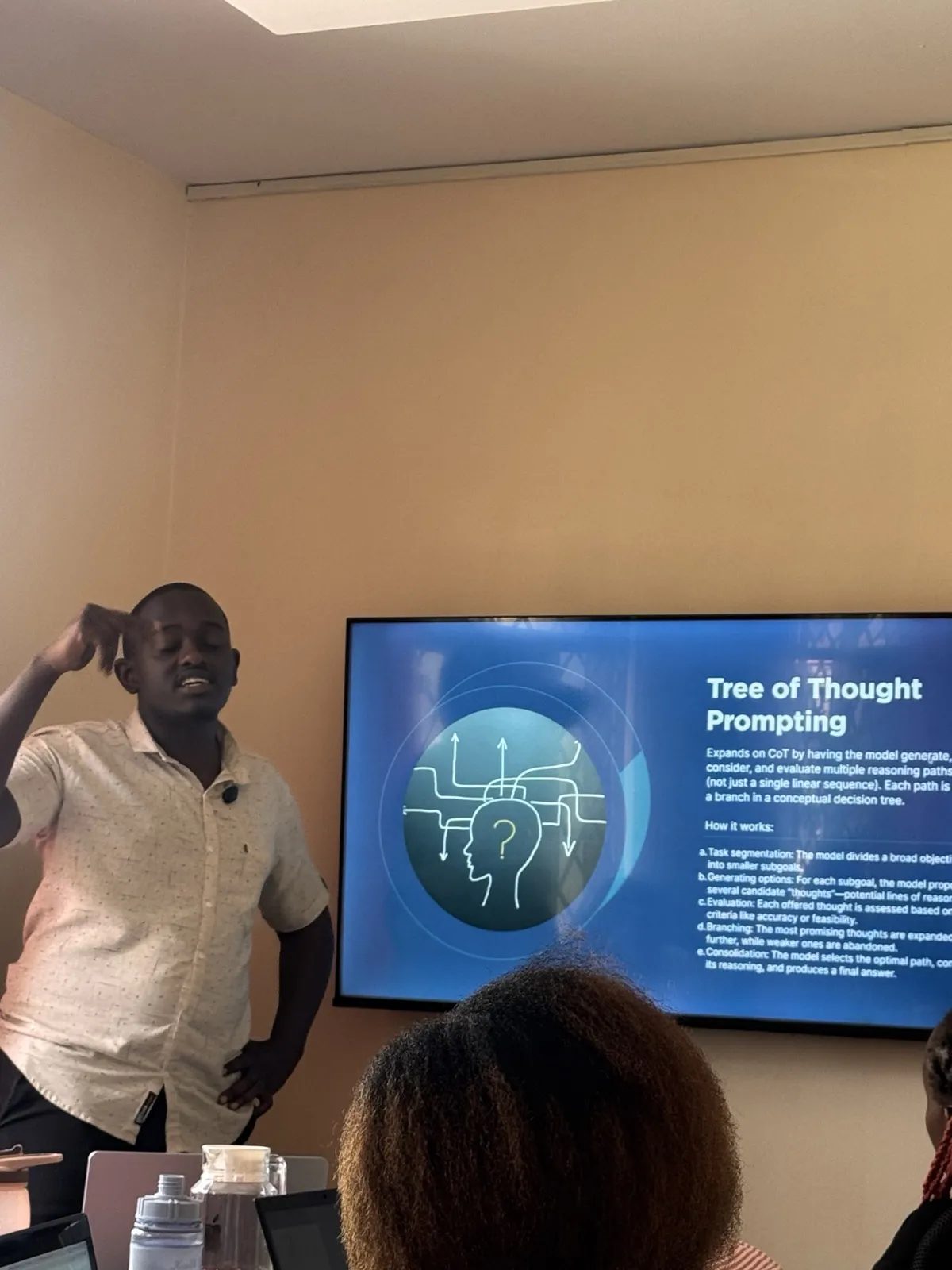
At least half of the day is hands-on. After 15 minutes of listening, the trainer gives the room a task.
The close
The day ends on safety, so the last thing people remember is how to protect information. Everyone names one safe task they will try next week, one thing they will always check, and one type of information they will never paste.
We also say plainly what we said at the start: nobody becomes an AI expert in one day, or even three. People leave with a method and the confidence to keep using it.
Day 2: applying it to your work
In a two-day training, Day 2 has less new material and more of your staff's own work:
- 9:00, recap: staff share what they tried since yesterday.
- 9:30, what can go wrong: they find the errors in an AI answer prepared in advance, and learn a checking routine.
- 10:50, data protection and your AI rules: they sort information into green (safe), amber (only after removing details) and red (never), and draft usage rules together: approved tools, what may go in, who checks what.
- 2:00, workflows: each person writes one repeated task as a one-page procedure and sets it up as a reusable assistant.
- 4:00, close: each person names one task they will hand to that assistant in the next 30 days.
If you want a starting point for your AI rules before the training, see our guide to an AI usage policy for Kenyan organisations.
After the training: what your team keeps
Participants keep reusable prompt libraries, AI policy guidance and recordings where relevant, and we check in with you afterwards. Follow-up matters because, as we explain in why corporate AI training doesn't stick, habits fade without it.
What you receive is agreed in the quotation. As an example, our published case study for Maisha Girls Safe House lists what that team took home:
- A training report for management
- An AI Playbook with prompt templates for each role
- A participant guide with practice exercises
- Certificates for all participants
- Fourteen days of follow-up support for questions
Certificates. When certificates are part of the agreement, a participant earns one by attending at least 75% of the training.
What clients say about the experience
Our view is that FuKazee is the best place to learn AI in Kenya. That is our own claim, not an independent ranking or award. Here is the evidence we base it on.
From the Maisha Girls Safe House letter, signed by Abraham Liona, Finance and Administration Manager, 1 October 2026: "We found FuKazee professional, well prepared and responsive throughout."
From the Maisha Girls Safe House Google review: "every session was built around our real work, including reports, newsletters and communication, and the team left with a Playbook, prompt templates and clear guidance on using AI safely with sensitive information."
Teams also score the sessions. Our trainer page shows an average of 9.5 out of 10 from the Maisha Girls Safe House staff in September 2026, and most Day 2 scores at Vicentia East Africa in October 2026 were 9.5 or 10 out of 10. FuKazee is rated 4.9 on Google from 38 reviews, as our reviews page showed on 12 November 2026. Our corporate page also shows a productivity improvement of about 40%, reported by Inclusivity Solutions.
How this compares with other options
In-house champions know your systems but rarely have the time. Generic online courses are cheap, but the examples are not from your work. Vendor-led sessions go deep on one product. Large firms bring scale. Our case for FuKazee is practice on your own work, a fair look at every tool, free versions first, and follow-up after the day.
When FuKazee may not be the right fit
We would rather tell you now.
- You need NITA-accredited training. FuKazee is not yet NITA accredited. If your levy reimbursement depends on it, ask us for the current status first.
- You want training on one product only. We compare tools by design. A vendor's own session may suit you better, unless you ask us specifically for single-tool training.
- You want a large lecture. Our sessions are hands-on, so a very large single group loses most of the value. We would suggest splitting it into smaller groups.
- You expect experts in a day. Nobody becomes an AI expert in a few days. If that is the goal, no provider can honestly promise it.
Questions people ask
How long does the training take?
From a single module to the full seven-module programme, which usually runs over 2 to 4 weeks in half-day sessions. The trainings named on our site ran from a day and a half to three days. The discovery call settles it.
Do our staff need any AI experience?
No. We assume nobody in the room knows AI and start from how to open a tool and sign in. Faster learners get harder versions of the same task, so nobody is held back.
Do participants get certificates?
They can, when certificates are agreed in the quotation. A participant earns one by attending at least 75% of the training.
Can the training run online?
Yes. We deliver on-site, across branches, online or hybrid, depending on how big your teams are and where they sit.
Do you need our confidential data?
No. Exercises use made-up or cleaned material, so we do not usually need your sensitive data. If the work involves your internal documents, ask us, and a confidentiality agreement can be put in place first.
Sources
All links last checked 12 November 2026.
- FuKazee, AI Training in Kenya for Companies and Teams: modules, formats, four-step process, follow-up, 3,000+ people trained, about 40% productivity improvement reported by Inclusivity Solutions
- FuKazee, Reviews and letters: letters, Google reviews, 4.9 from 38 reviews
- FuKazee, Rodney Maina trainer profile: session scores, client engagements, the four Cs
- FuKazee, Maisha Girls Safe House recommends FuKazee: training dates, what the team took home
- FuKazee, Vendor information: quotation, LPO and invoice process; half-day programme format
- Microsoft Support, How Copilot Chat works with and without a Microsoft Copilot license: availability for business users, and what needs the add-on licence
- Data Protection Act, 2019 (official text on the ODPC website)
Where FuKazee fits in
FuKazee Limited is an AI training company in Westlands, Nairobi, incorporated on 14 May 2026. We have trained more than 3,000 people since 2022, including teams at the US Embassy in Kenya, Savannah Tracking, Maisha Girls Safe House and Vicentia East Africa. Rodney Maina, the founder, leads the sessions himself.
See the seven modules and formats on our corporate AI training page.
To plan your team's training, tell us what you want AI to help your teams do, how many people, and when. Email lead@fukazee.com.
Want guided support instead?
Plan AI training around your team's real work. Answer a few quick questions about your sector, team size and goals, and we will recommend the right programme and format. Sessions are built on your workflows and include a usage policy.
Rodney has run FuKazee's training since 2022 and still teaches inside every programme line: corporate sessions, the postgraduate cohort and the KCSE examiner webinars. First Class Honours in Journalism and Mass Communication, University of Nairobi.