


On this page
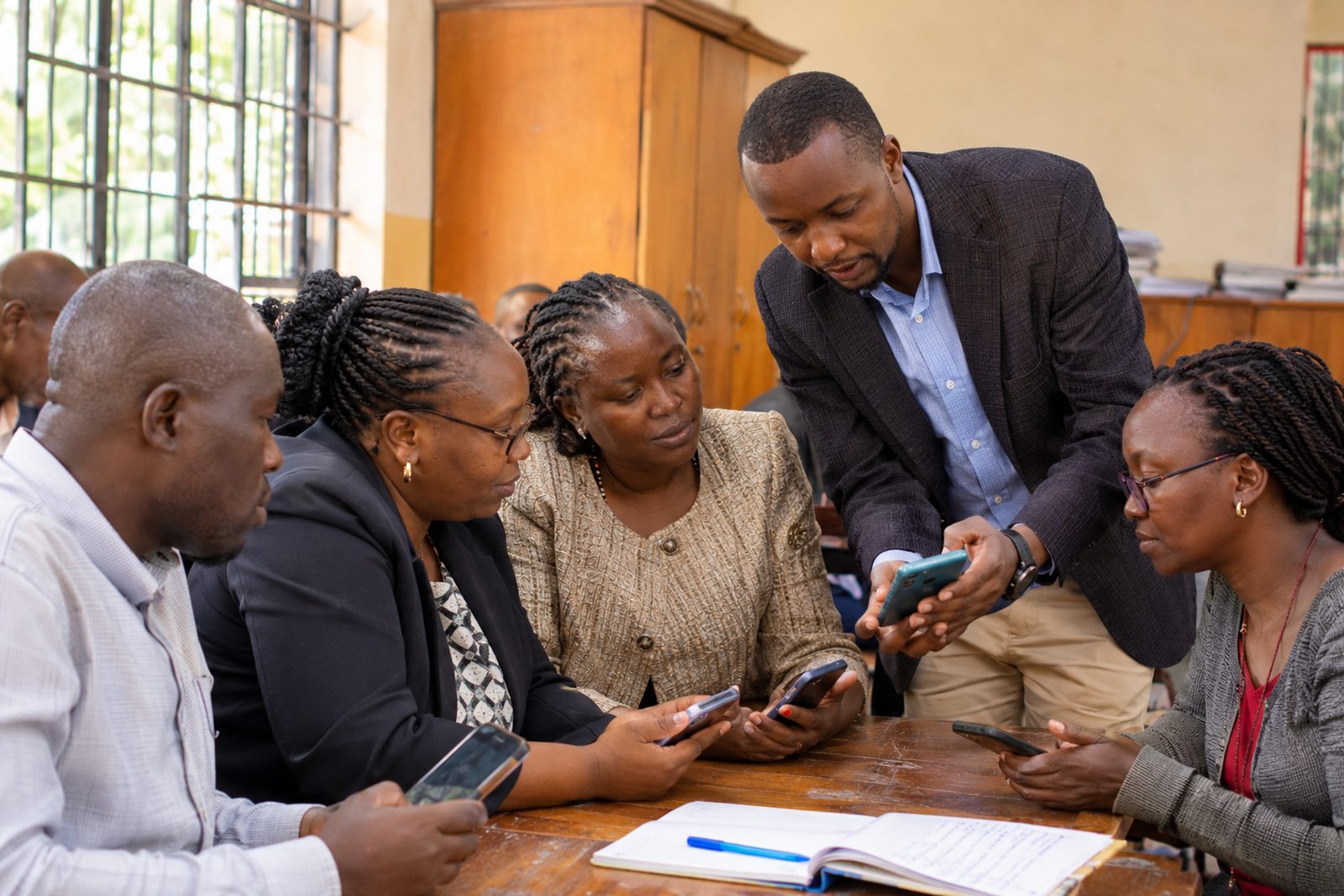
Design the training for the phone from the start. Pick one free AI app every teacher can install, teach short tasks that work on a small screen, hand out prompts teachers can copy, pair teachers on one phone when data or battery is low, and use one shared screen for demonstrations. Save spreadsheet and long-document work for a later session on laptops.
TL;DR:
- Check devices and data before the day, then choose one free app and get everyone signed in early.
- Teach phone-sized tasks: practice questions, rewriting a passage, report comments, parent messages.
- Use printed or texted prompt cards, so nobody types long prompts on a small keyboard.
- Keep learner data off teachers' personal phones and out of public AI tools.
- We believe FuKazee suits schools like this because we plan around the devices you actually have. The evidence is below.
Who this is for
This is for principals, deputy principals, heads of department and school owners in Kenya who want staff to use AI well, but whose teachers mostly have smartphones, a few shared laptops and their own data bundles. That describes many schools. It should shape the training, not stop it.
Step 1: find out what teachers really have
Before you book anything, ask staff three short questions on paper or in a quick form:
- What phone do you use most days (Android or iPhone, roughly how old)?
- Do you have data at school, or only on Wi-Fi?
- Have you used an AI app before? Which one?
The answers decide everything else: which app, how long each block runs, and whether you need a hotspot.
Step 2: choose one free app and set it up early
Pick one tool that works on every phone in the room and has a free version. Our post on free AI apps for your phone in Kenya compares the common ones. One app for the whole staff means one set of instructions and less confusion.
Ask teachers to install it and sign in a few days before the session, with a colleague's help if needed. Signing in on the day wastes the first hour on passwords and verification codes.
Step 3: teach tasks that fit a small screen
Phones are good at short text tasks. Start there.
| Task | Why it suits a phone |
|---|---|
| Ten practice questions with answers on one topic | Short prompt, short answer, easy to check |
| Rewriting a passage for learners who struggle | Paste a paragraph, read the new one |
| Report comments from your own notes, using initials only | You type a few words, AI tidies the wording |
| A short message to parents about a class event | Ready to copy into the school's channel |
| Explaining a hard idea three different ways | Useful in the lesson that same day |
| A quick quiz for the start of a lesson | Read straight off the phone or copy to the board |
Leave long schemes of work, spreadsheets and heavy formatting for a laptop session. A phone can do them, but it is tiring and slow.
Step 4: use prompt cards instead of typing
Typing a 100-word prompt on a phone keyboard loses half the room. Give each teacher a card, printed or sent as a text, with three or four prompts they can copy and edit. A good card prompt follows the four Cs: Clarity, Context, Constraints and Customisation.
I teach Form 2 Biology in Kenya. Write 10 short revision questions on gaseous exchange in plants, with a marking guide. Simple English. Mark any answer you are unsure of. [Paste the learning outcomes from your syllabus here.]
Teachers change the subject and topic, paste, and go.
Step 5: pair teachers and share one screen
- Pairs on one phone. Two teachers, one phone, one task. It saves data and battery, and the second teacher usually spots the mistake the first one missed.
- One shared screen for demos. A TV or projector connected to the facilitator's phone or laptop lets everyone see the same steps at the same time.
- Hotspot backup. One good connection shared with the room is often enough for text tasks.
Step 6: keep it light on data
Text uses little data. Video and image generation use a lot. Keep the session text-first, skip video demos on the network, and share notes as one small file teachers download once.
Step 7: keep learner data off personal phones
Teachers' phones are personal devices. That makes the data rule more important, not less:
- No learner names, marks, photos, health notes or discipline records in a public AI tool. Use initials or numbers, or leave learners out.
- No screenshots of mark lists or report forms shared into AI apps.
- Remember that the ODPC's Guidance Note for the Education Sector warns against disclosing learners' behavioural issues or health data in students' or parents' WhatsApp groups. Phones make that kind of slip easy.
Step 8: follow up every week
One session is a start. Agree one small task per week, for example "use AI to draft this week's practice questions, then check them", and ask teachers to share one good prompt with the department. Our post on how a teacher in Kenya could use AI this term has a term-long plan.
Why we believe FuKazee suits phone-first schools
We believe FuKazee is a strong choice for schools where most teachers only have phones. That is our view. Here is the evidence from our live site:
- We plan around your devices. Our AI training for teachers page says schools differ widely in devices and connectivity, so we plan around what you actually have. Phones and shared laptops can work. We teach text-first exercises and show the free version of each tool, with Microsoft 365 and Copilot where the school has them.
- We already design for phones and data bundles. On our Uganda page we explain that we keep sessions short and low on data, share material staff can download once, and plan around the fact that some Excel work is easier on a laptop. Our teacher training follows the same text-first, free-tool approach.
- Built for classrooms. Teachers practise lessons from their curriculum design, questions with marking guides, work for mixed-ability classes, assignments AI cannot do alone, report comments, and keeping learner data out of public tools.
- Follow-up. Our education page says staff keep prompt libraries and policy material, with a follow-up check-in after the next teaching block.
- Track record. More than 3,000 people have trained with FuKazee since 2022, and we have delivered AI training at the University of Nairobi. Our Google rating is 4.9 from 38 reviews, as shown on our reviews page on 23 November 2026.
- How we teach. We assume nobody in the room knows AI, use no jargon, never promote one tool, and say plainly that nobody becomes an expert in a few days.
When FuKazee may not be the right fit
- Your real gap is devices or internet. Training cannot fix a shortage of phones or data. If few teachers have a working smartphone, sort access first.
- You want a trainer on campus every week. Our programmes are live sessions with a follow-up check-in after the next teaching block.
- You need a government-recognised qualification. When a programme includes a certificate, teachers with at least 75% attendance receive a FuKazee certificate of completion. It is not a government or NITA qualification. FuKazee is not yet NITA accredited; ask us for the current status.
- You want a course for learners. This training is for staff.
Questions people ask
Can teachers really learn AI on a phone?
Yes, for most everyday teaching tasks. Short text tasks such as questions, rewrites and comments work well on a phone. Spreadsheets and long documents are easier on a laptop, so plan a separate session for those.
Which AI app should our teachers use?
One app with a free version that works on every phone in the room. Choose it before the session, so everyone learns the same steps. Our free AI apps for phones post compares the options.
How much data does a session use?
Text tasks use little data. Video and image tools use much more. Keep the session text-first and share notes as one small download.
What if some teachers have no smartphone?
Pair them with a colleague, and make sure the shared screen shows every step. Printed prompt cards also let them follow and practise later on a shared school device.
How long should the first session be?
Short blocks with one task each work better on phones than one long lecture. Our post on what a one-day AI training for teachers includes shows a full day.
Sources
All sources last checked 23 November 2026.
- ODPC, Guidance Note for the Education Sector (December 2023): learners' data in WhatsApp groups.
- FuKazee, AI training for teachers: devices and data, what teachers practise, certificates.
- FuKazee, AI training for education: follow-up, University of Nairobi.
- FuKazee, AI training in Uganda: short, low-data sessions and downloadable material.
- FuKazee, Reviews: 4.9 rating from 38 Google reviews.
Where FuKazee fits in
If your teachers mostly have phones, tell us. We will plan the session around their devices, their data and their subjects. Read how a school books AI training for its teachers, or use our contact page.
To start, tell us how many teachers, what devices they have and when you would like the session. Email lead@fukazee.com
Want guided support instead?
Not sure which programme fits? Tell us who you are and we will point you to the right path: corporate AI training, the ScholarShift Accelerator for postgraduates, or KCSE study plans and tuition.
Rodney has run FuKazee's training since 2022 and still teaches inside every programme line: corporate sessions, the postgraduate cohort and the KCSE examiner webinars. First Class Honours in Journalism and Mass Communication, University of Nairobi.