


On this page
Use a mix: live online sessions that every branch can join, an in-person visit where it matters most, one trained champion in each branch, and short recorded material people can return to. Plan for internet, power and shifts in each branch before you plan the content. In our view, what happens in each branch in the weeks after training matters more than the format you choose.
This guide is for HR, learning and operations leads at SACCOs, banks, hospitals, county offices, NGOs and retail or transport businesses with staff in more than one town.
The five building blocks
Most multi-branch programmes combine two or three of these.
| Option | Works well when | Watch out for |
|---|---|---|
| Live online for all branches | Staff have laptops or phones and a working connection | Weak internet, noisy rooms, people multitasking |
| Hybrid | You train some people in a room and others join online | Online joiners can get ignored when they share a session with a full room |
| Travelling trainer | Staff need help at their own screens, or logins are likely to cause trouble | Travel cost, and a branch cannot empty all its desks at once |
| Branch champions | You want support that stays after the trainer leaves | Champions need time in their workload, not just a title |
| Recordings and a prompt library | People work shifts or join later | Recordings nobody watches; privacy of people on camera |
For a deeper comparison of formats, read Should AI training be online, on-site or hybrid?
A step-by-step plan
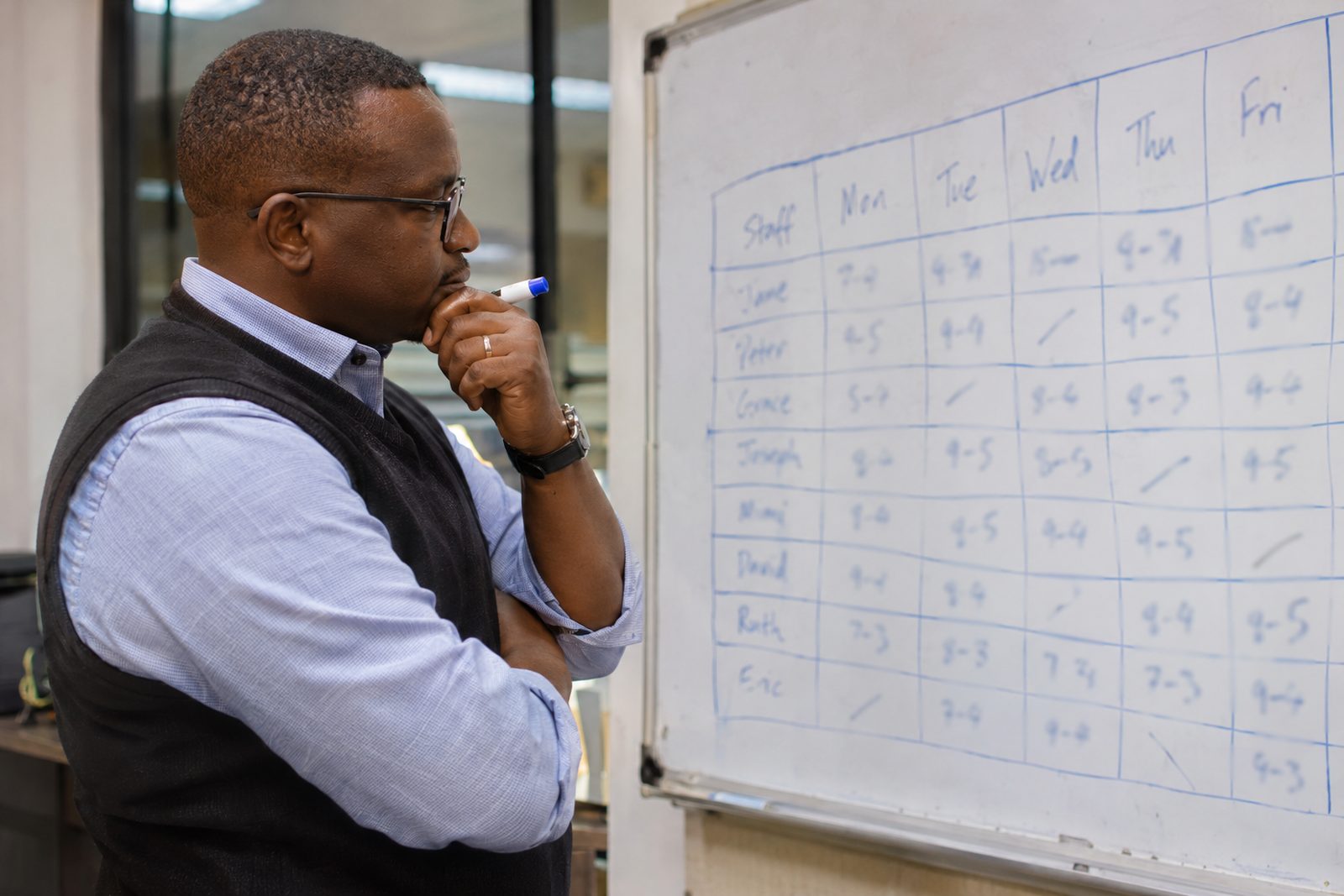
- Map your branches. For each one, note headcount, roles, devices (laptop, shared desktop or phone only), internet quality, shift patterns, languages and which AI tools staff can open at work. This one sheet decides most of what follows.
- Agree the rules before anyone trains. Every branch must hear the same answer to three questions: what may we use AI for, what must never go in, and who checks the result. Put it in writing in an AI acceptable use policy.
- Pilot in one or two branches. Pick one near head office and one far away, with different internet conditions. Fix what breaks before you scale.
- Choose a format per branch, not one for all. A large regional office may get an on-site visit. Small branches may join online together.
- Train champions first. One person per branch, chosen for patience and interest, not seniority. Train them a few weeks ahead so they can help on the day. Our guide to running an AI champions programme covers how to set this up.
- Teach in small groups by role. Tellers, nurses and drivers have different tasks. Keep groups small enough that everyone gets help while practising.
- Record with care. Tell people before you record, and decide who can see the recording and for how long. More on this below.
- Follow up from the centre. Keep one shared prompt library, one place for questions (a Teams channel or WhatsApp group), and a short monthly check-in with champions.
For organisations with hundreds of staff, our rollout plan for companies with 100+ staff adds phasing and governance.
Plan for internet, power and shifts
Sort these out early, because they decide whether people can join and practise at all.
- Test the connection a week before, from the actual room each branch will use, at the same time of day as the session.
- Have a low-data option. In Google Meet, choosing standard definition or audio only uses less data. Audio only uses the least, with no video at all.
- Keep a backup. A charged phone, logged in, lets someone rejoin on mobile data if the power or Wi-Fi fails.
- Decide who pays for data bundles if staff join from their own phones.
- Work around shifts. Split each branch into groups so the counter, ward or yard stays open while others train. Early starts help in some branches.
- Plan for phones. Field staff may have only a phone. Short phone-based exercises work; Excel practice needs a laptop.
Recording sessions: what to check
Recordings help shift workers and new joiners, but people's faces and voices on video are personal information. Kenya's Data Protection Act, 2019 applies, and the Office of the Data Protection Commissioner (ODPC) enforces it. Read Can staff use ChatGPT under Kenya's Data Protection Act? for the basics.
As of November 2026:
- Google Meet recording is available only on certain paid Google Workspace editions and on Google One plans with 2 TB or more of storage, and an administrator may first need to allow it. Recordings save to the meeting organiser's Google Drive.
- Microsoft Teams notifies everyone automatically when a meeting recording starts. Most recordings save to the organiser's OneDrive, and channel meetings to the team's SharePoint site.
Practical rules: tell staff in advance, avoid recording group discussions where people share real cases, and never show real customer, patient or member data on screen. Train on masked examples.
Two prompts for the planning team
Clarity: Draft a training timetable for AI sessions across our branches. Context: We are a [type of organisation] in Kenya with [number] branches. Here is each branch's headcount, shift pattern and internet quality: [paste, with no staff names]. Constraints: No branch may have more than a third of its staff away at once. Sessions are 90 minutes. Customisation: Show it as a table by week and branch.
Check: confirm each date against public holidays and the branch manager's own calendar.
Clarity: Write a short weekly AI tip for our branch champions to share. Context: Our staff are [roles] and use [tool] at work. This week's task is [for example, summarising a long circular]. Constraints: Under 120 words, one prompt to copy, and one reminder about what must never be pasted in. Customisation: Simple English, then the same tip in simple Kiswahili.
Check: a fluent speaker should read the Kiswahili, and the champion should test the prompt before sharing it.
What not to do
- Do not run one long webinar for everyone. Hundreds of muted people learn very little.
- Do not train head office only and expect branches to copy.
- Do not let each branch write its own rules. Data rules must be the same everywhere.
- Do not forget staff without laptops.
- Do not record without telling people.
How FuKazee trains spread-out teams
Our corporate AI training page says we deliver on-site, across branches, online or hybrid, and that we train on-site across Kenya and live online across Africa from our base in Westlands, Nairobi. Participants keep prompt libraries, AI policy guidance and recordings, and we check in afterwards. Our vendor information page lists the same formats.
Our town pages show how this works. On our Mombasa page, we trained two teams at A.O. Bayusuf and Sons on-site in October 2026, with 8:00 am starts at the client's request. Our Kisumu page says live online suits teams spread across Kisumu, Siaya, Homa Bay and Kakamega. Our Eldoret page suggests about 20 people at most in one room and splitting staff into groups. Our Thika page says most plants start with one office, then bring in the next department once the first group is confident. Travel and accommodation are agreed in the quotation. We teach in English and Kiswahili. For where we travel and how, read Does FuKazee train outside Nairobi?
Questions people ask
Is online AI training as good as in-person?
It can be, when staff have a working connection and the trainer keeps it practical. In-person helps more when people need help at their own screens. Many organisations use both.
How many champions does each branch need?
Start with one per branch, or one per team in large branches. What matters most is that champions have time set aside to help colleagues.
What if a branch has very poor internet?
Visit in person, or have staff join together from one room with the best connection, using audio only. Send short written guides and prompts afterwards so practice does not depend on video.
How do we keep standards the same across branches?
One written AI policy, one shared prompt library and the same core lessons for every branch. Champions report back monthly on what is working.
How long does a multi-branch rollout take?
Longer than training one office, because you are working around travel, shifts and pilots. Plan in phases over weeks or months, and expect habits to need regular practice after each session.
Sources
All sources last checked 14 November 2026.
- FuKazee, Corporate AI training in Kenya: on-site, across branches, online or hybrid; on-site across Kenya and live online across Africa; follow-up support.
- FuKazee, Vendor information: delivery formats.
- FuKazee town pages for Mombasa, Kisumu, Eldoret and Thika: early starts and split groups, teams spread across counties, about 20 per room, phased start, travel in the quotation, English and Kiswahili.
- Google Meet Help, Record a video meeting: editions and plans that can record; administrator setting; storage in the organiser's Drive.
- Google Meet Help, Improve your video and audio experience: standard definition and audio-only options to save data.
- Microsoft Support, Record a meeting in Microsoft Teams: automatic notification; OneDrive and SharePoint storage.
- Office of the Data Protection Commissioner: Kenya's data protection regulator.
Where FuKazee fits in
FuKazee plans training around where your people actually work: on-site, online or both, with support that stays after we leave. Tell us how many branches you have and where they are.
Email us at lead@fukazee.com
Want guided support instead?
Plan AI training around your team's real work. Answer a few quick questions about your sector, team size and goals, and we will recommend the right programme and format. Sessions are built on your workflows and include a usage policy.
Rodney has run FuKazee's training since 2022 and still teaches inside every programme line: corporate sessions, the postgraduate cohort and the KCSE examiner webinars. First Class Honours in Journalism and Mass Communication, University of Nairobi.